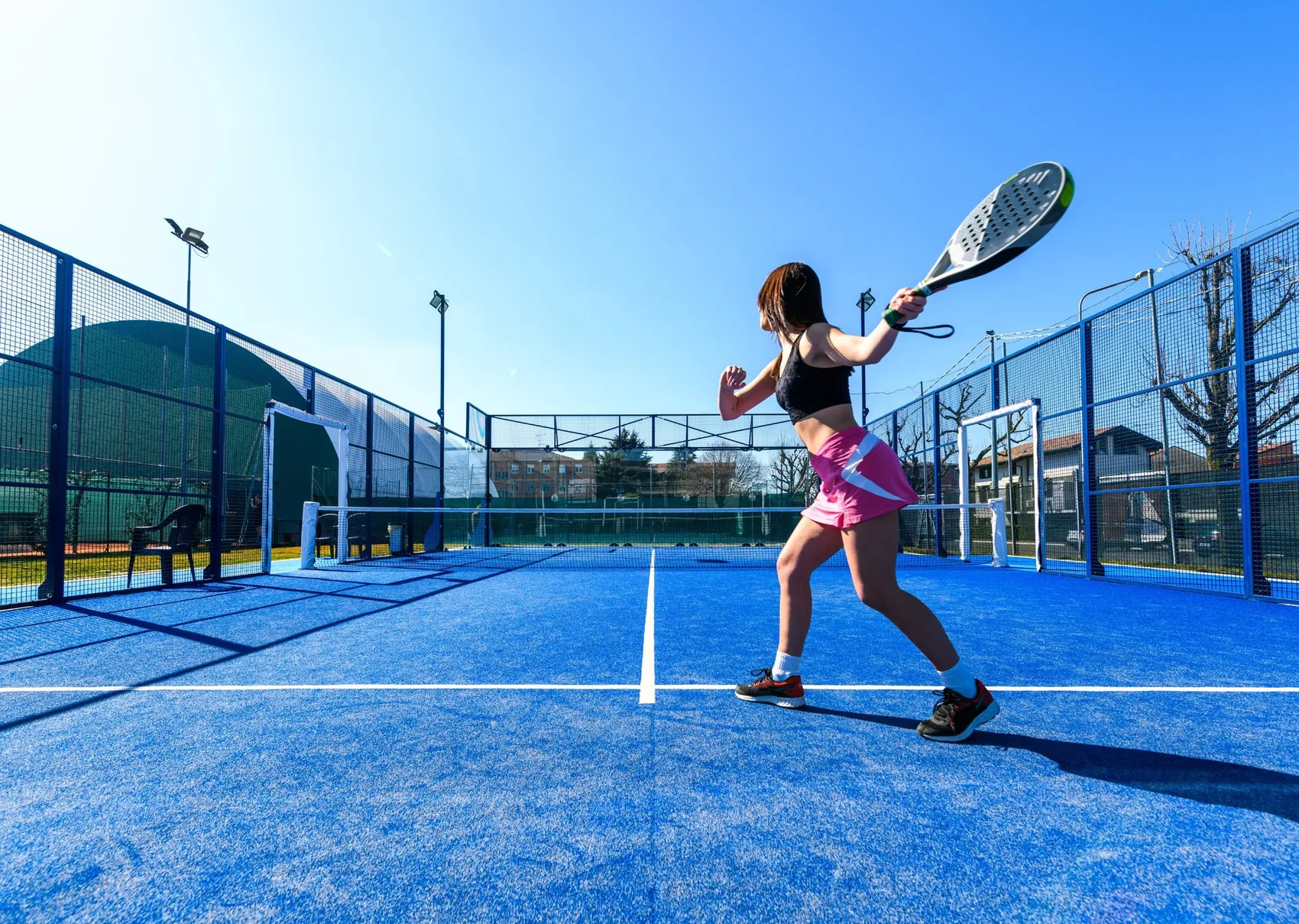
From the gesture on court
to the video on your phone
Three steps: the club schedules, the player high-fives, the video arrives on its own.
STEP 01
The club schedules the match
You schedule the recording from PC or app and set the password and the selling price. At the set time, recording starts on its own.
STEP 02
The player high-fives
Hand on the GiveMe5 panel, from inside the court. The system saves the last 10-60 seconds and the LEDs confirm the capture.
STEP 03
The video lands in the App
After the match every player finds the match and their highlights in the App. They keep them in their own archive and share them, with your logo or your sponsors'.
Beyond recording
Four services on one installation
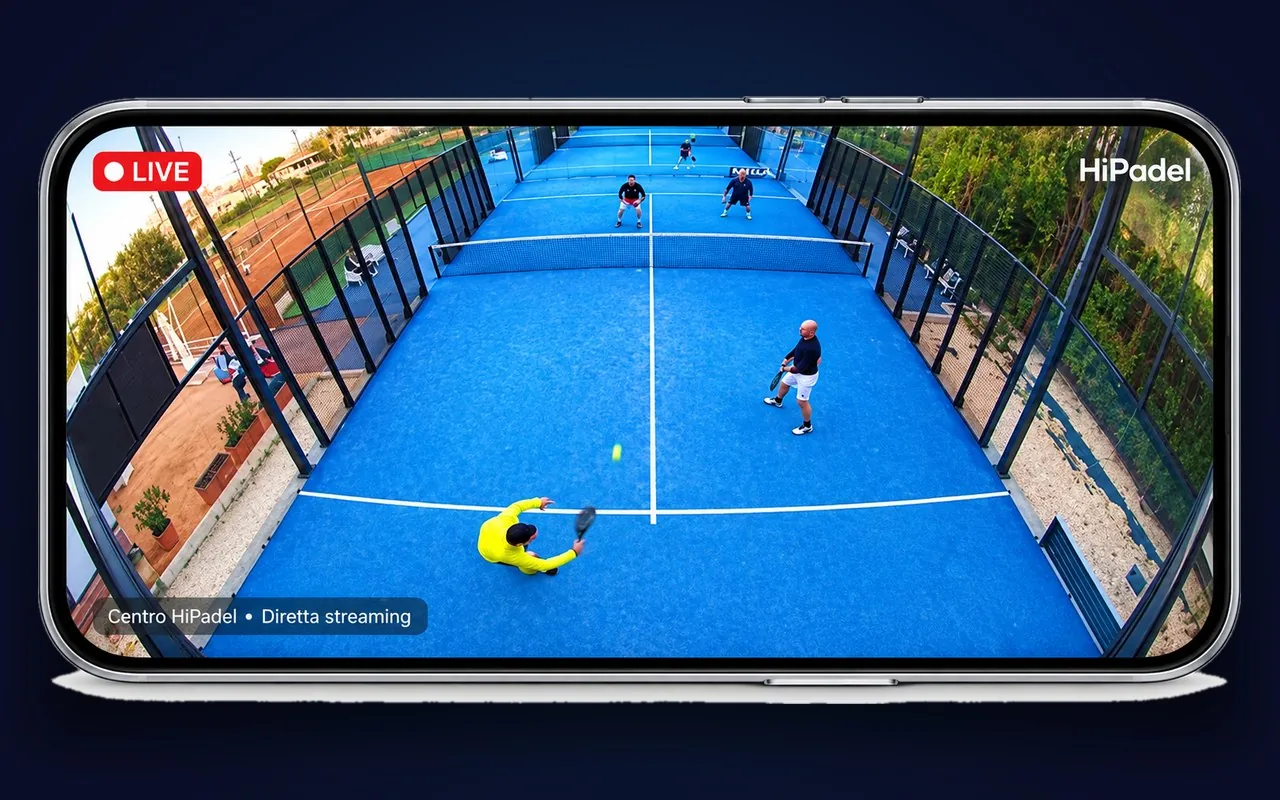
Live streaming
Tournaments and matches on the club's social channels. Works with OBS Studio for commentary and scoring.
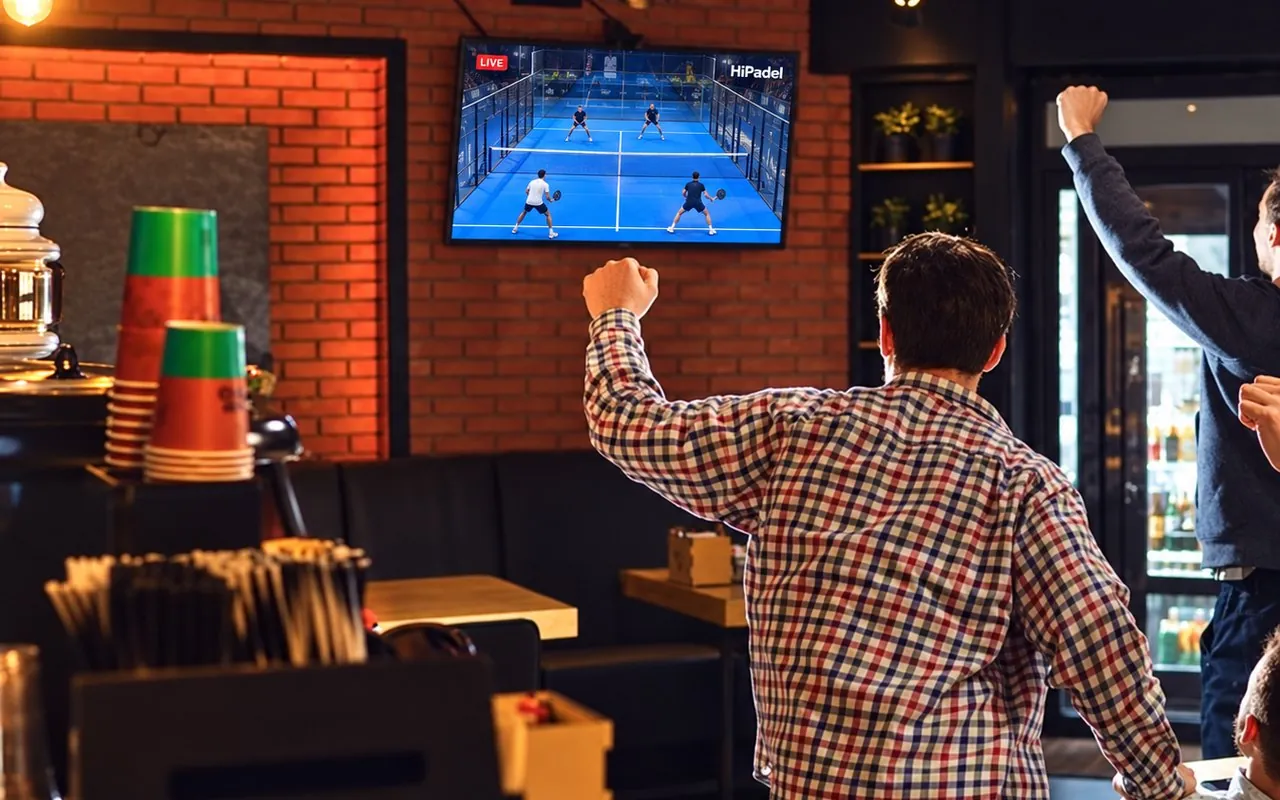
Local live on the TVs
The stream also goes to the club's TV sets. More time spent courtside, more drinks sold.
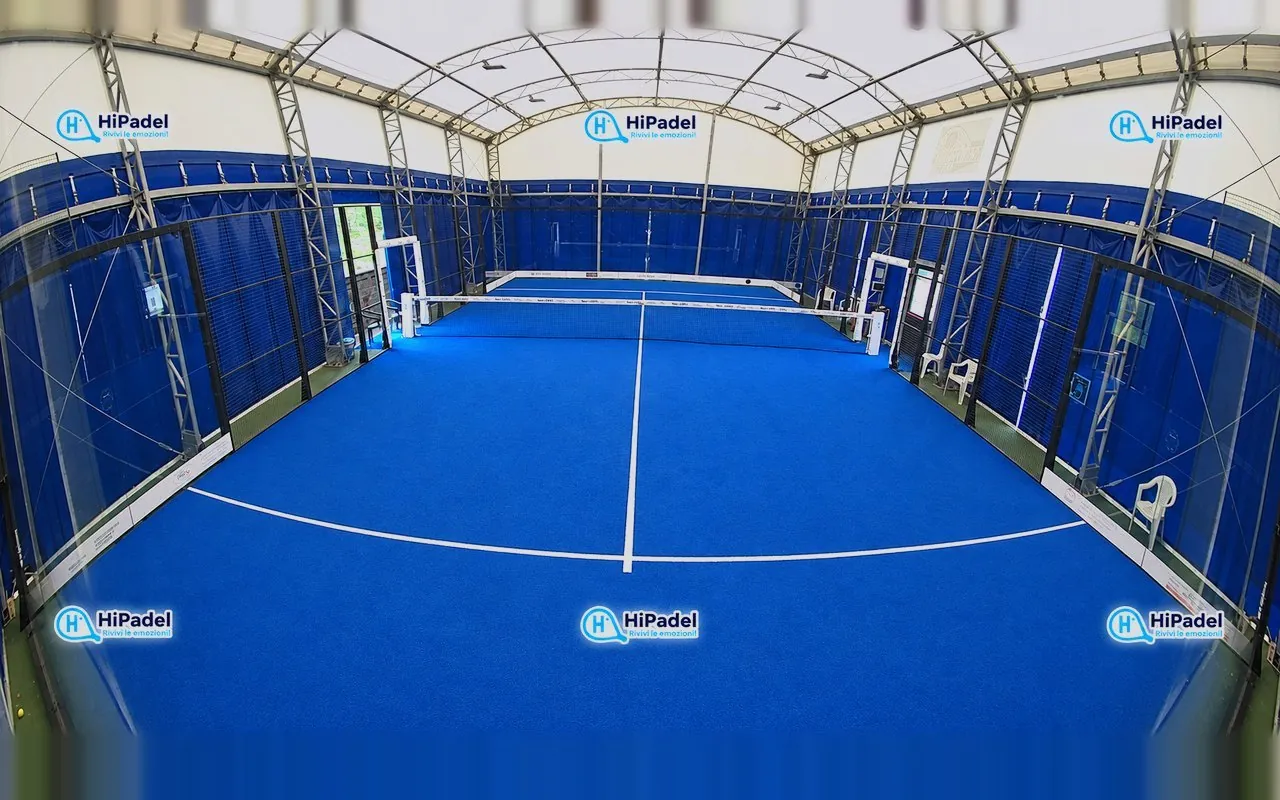
Sponsor logos
Up to six logos overlaid on the player, club defaults or chosen event by event.
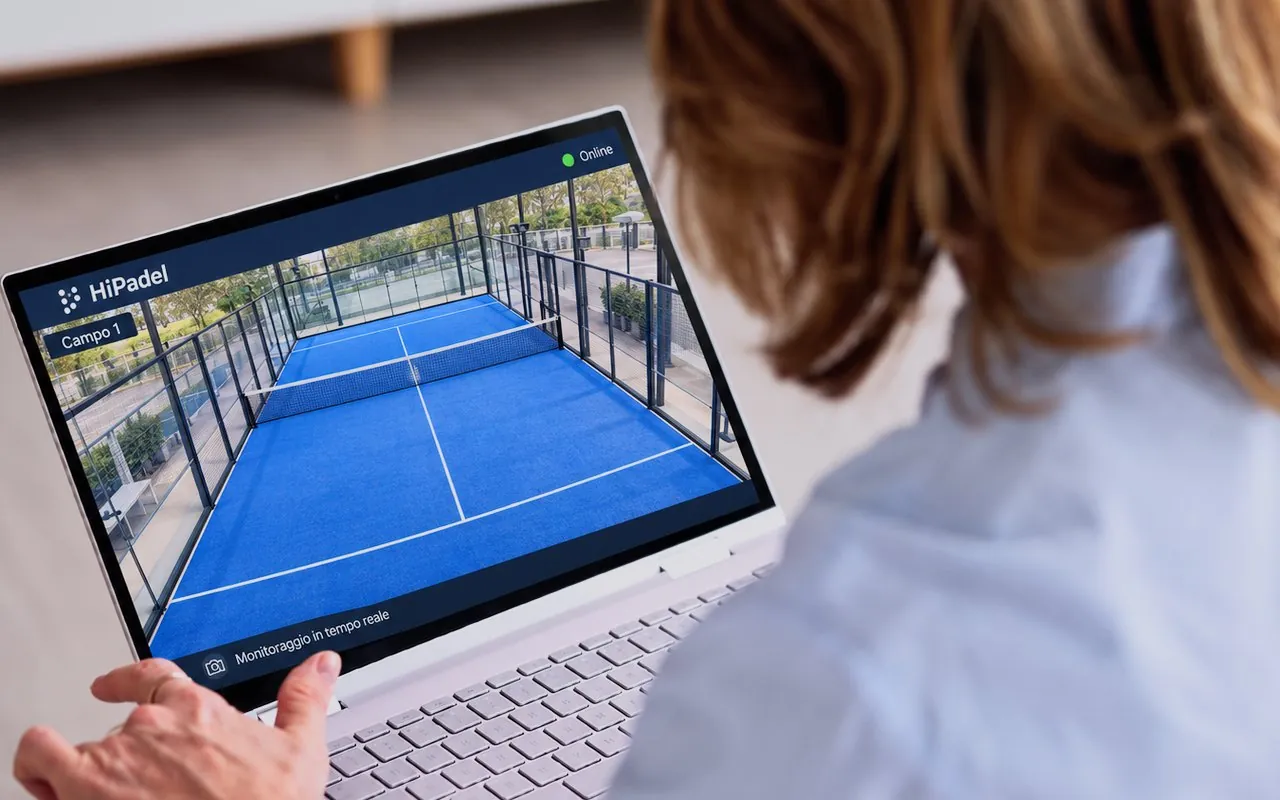
Video surveillance
Outside playing hours the same camera watches over the court, 24/7.
Installation
One bracket, two positions.
And a second camera, if you want it.
No building work: the telescopic bracket mounts on the main beam or on the central post of the net, at the right angle for your court.
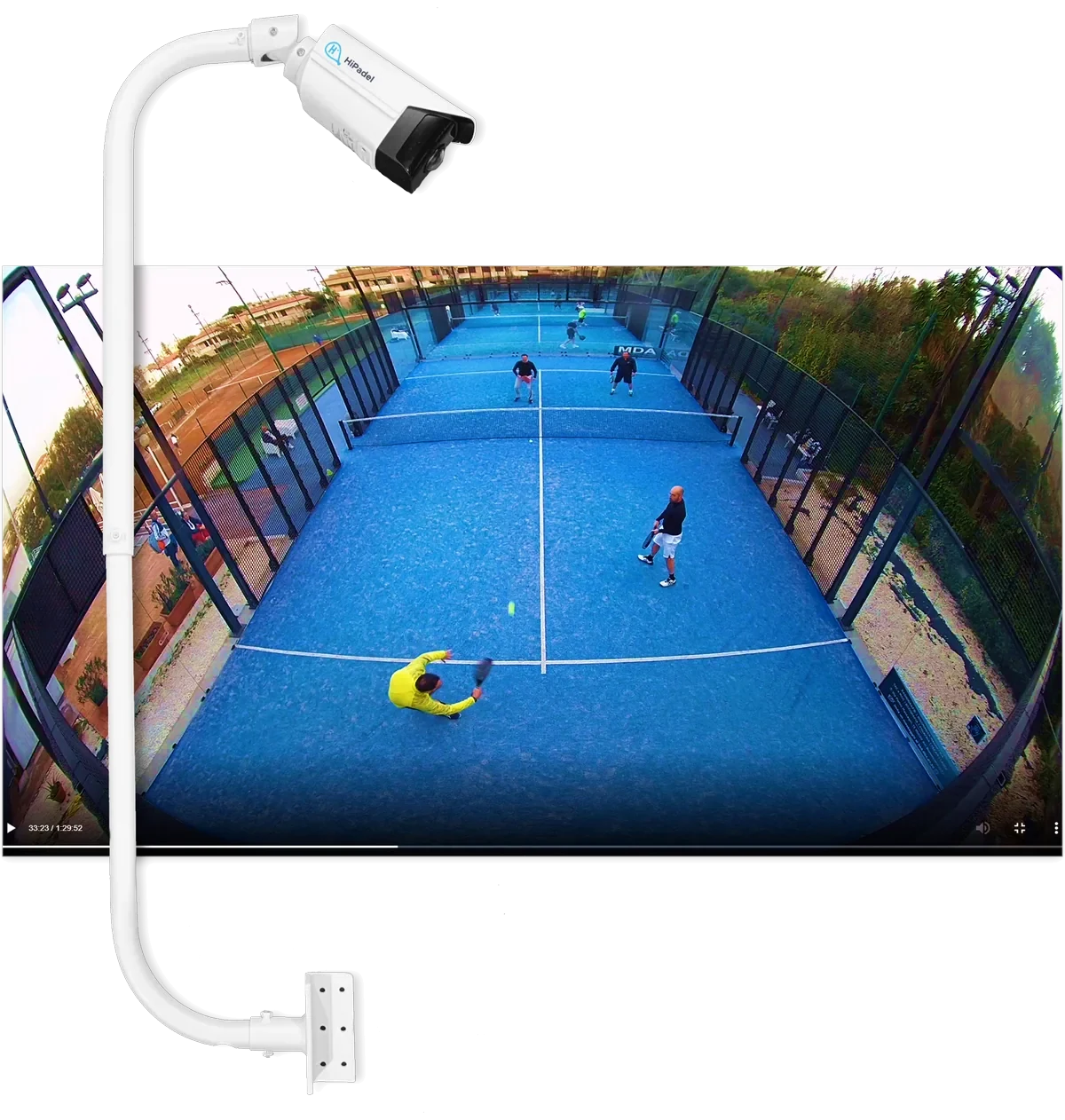
Upper mount · full view of the court
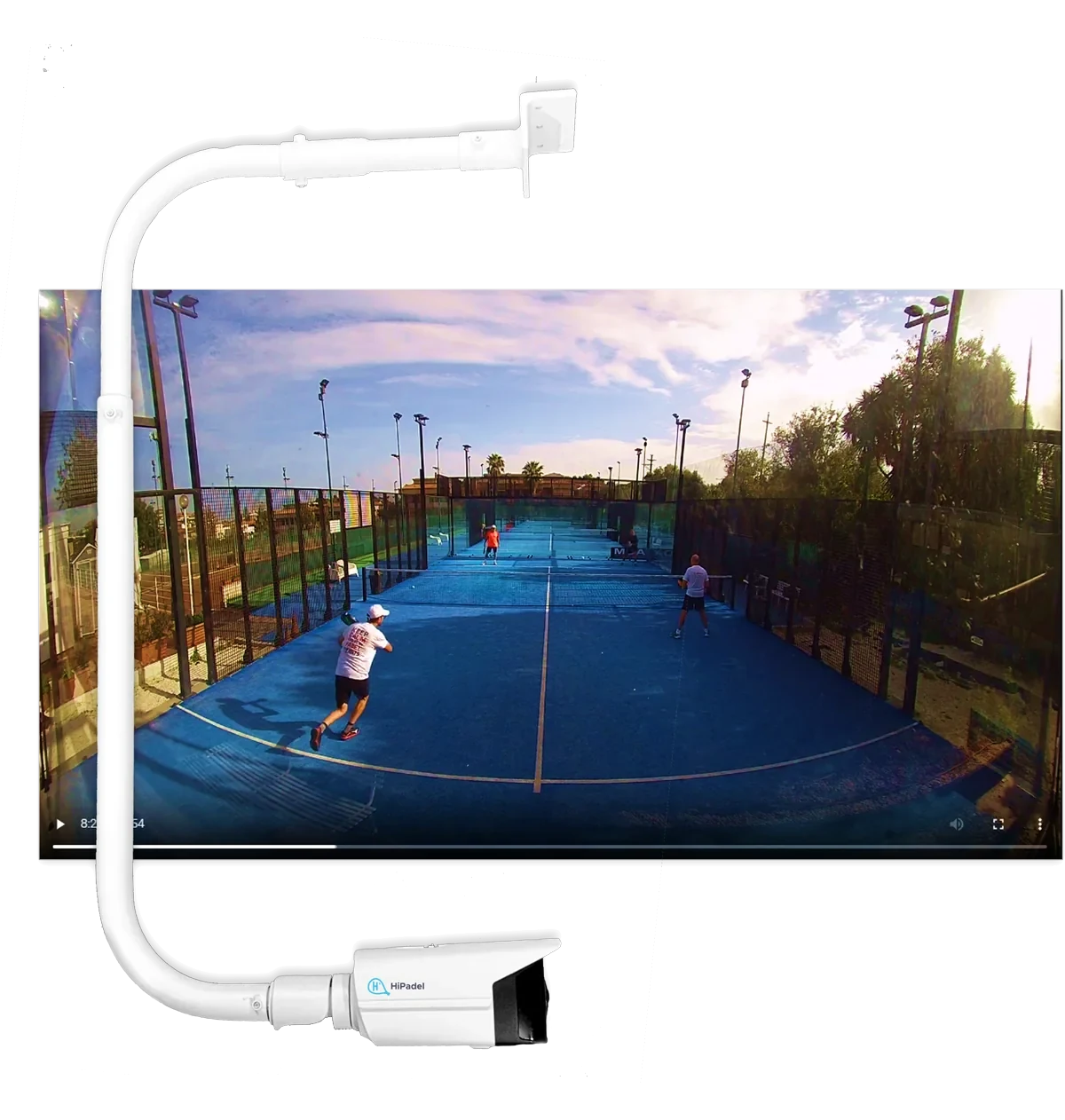
Lower mount · professional point of view
Dual Camera
A second camera gives you two camera angles: the player picks the shot before downloading.
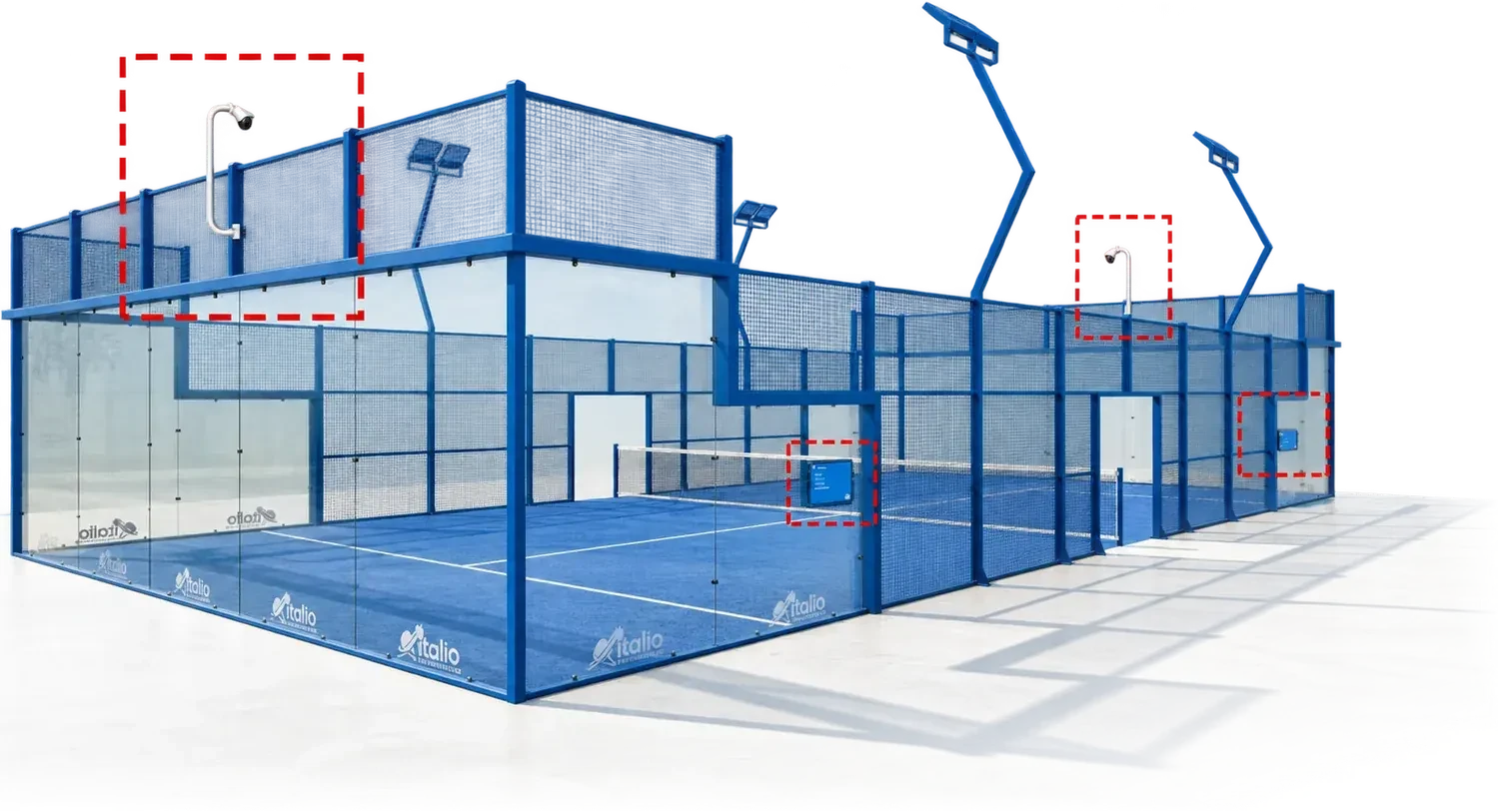
The two cameras on opposite sides of the same court, filming at the same time
Now you've seen how it works
Twenty minutes on a video call
and you'll know if it's for you.
We show you the platform live and go through your numbers: how many cameras you need, what changes between Starter and Premium, how fast it pays back. All remote.
Want to see it on your court?
Start the ten free days and record your first match tonight. Or write to us and we'll find the right setup.